Embercast
A downloadable game for Windows and macOS
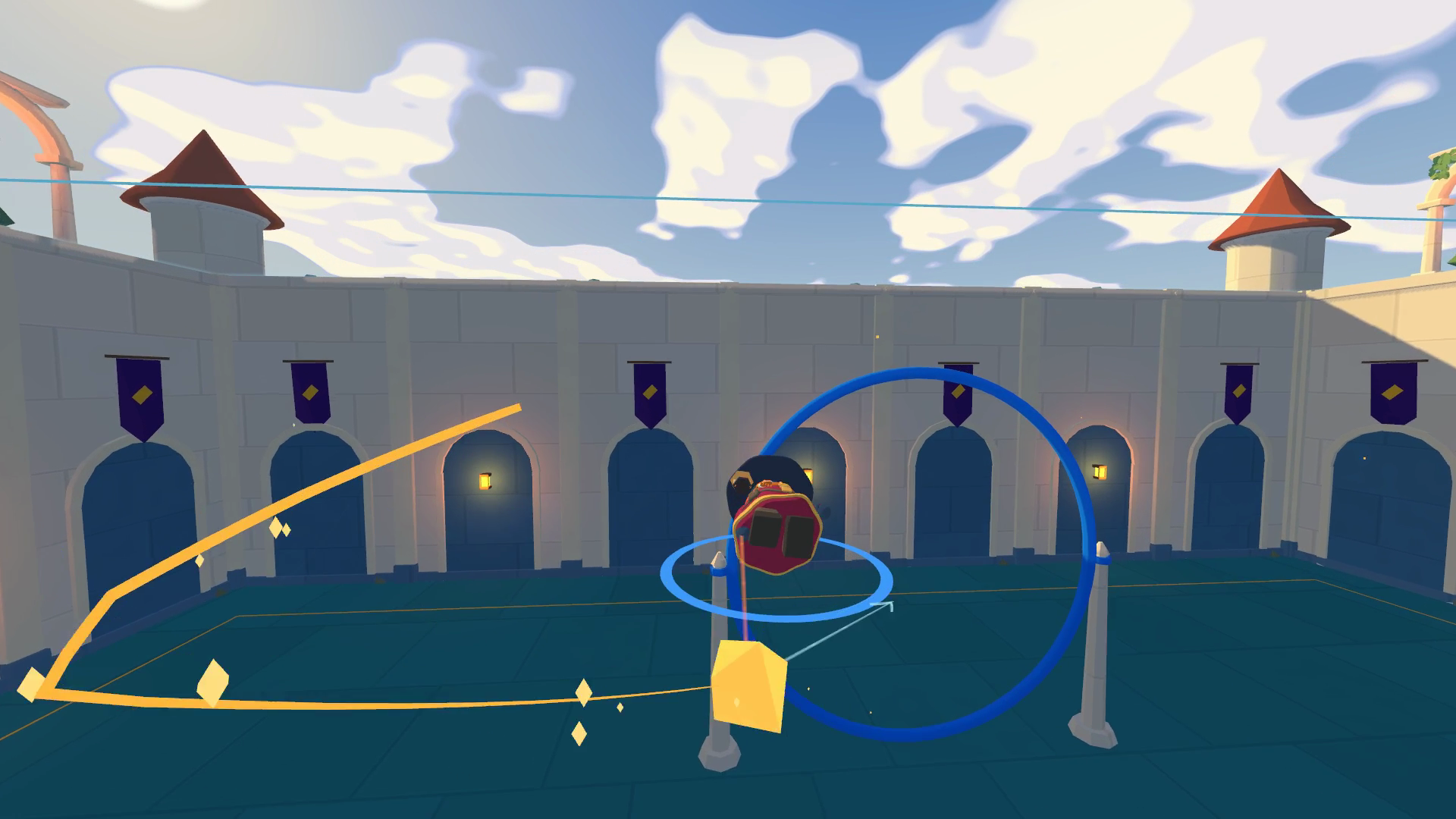
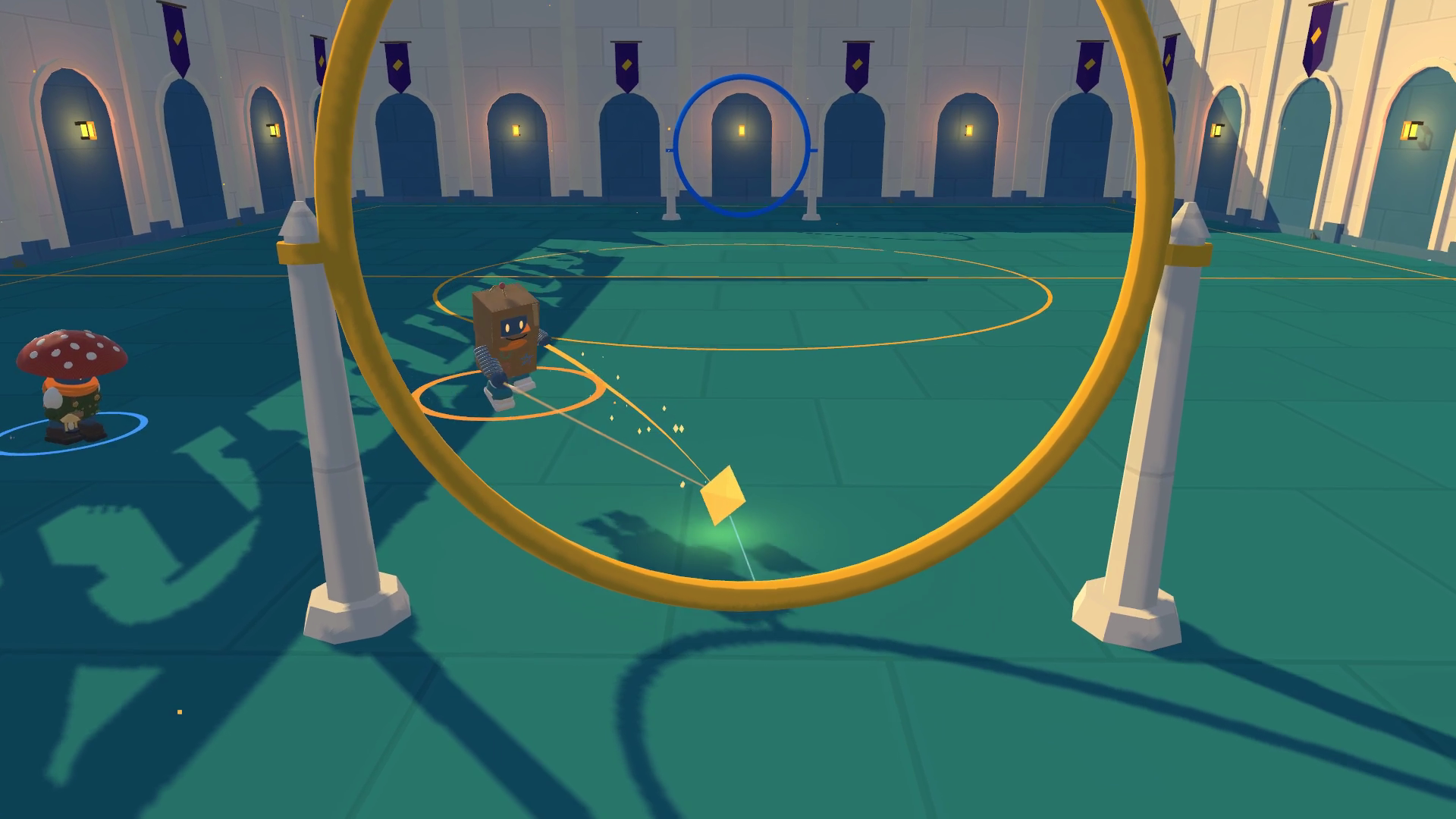
I'm making Embercast, a free wizard sport for Windows and Mac. Fly after the ember, a glowing gold ball, and send it through the other team's hoop.
Flying is the skill
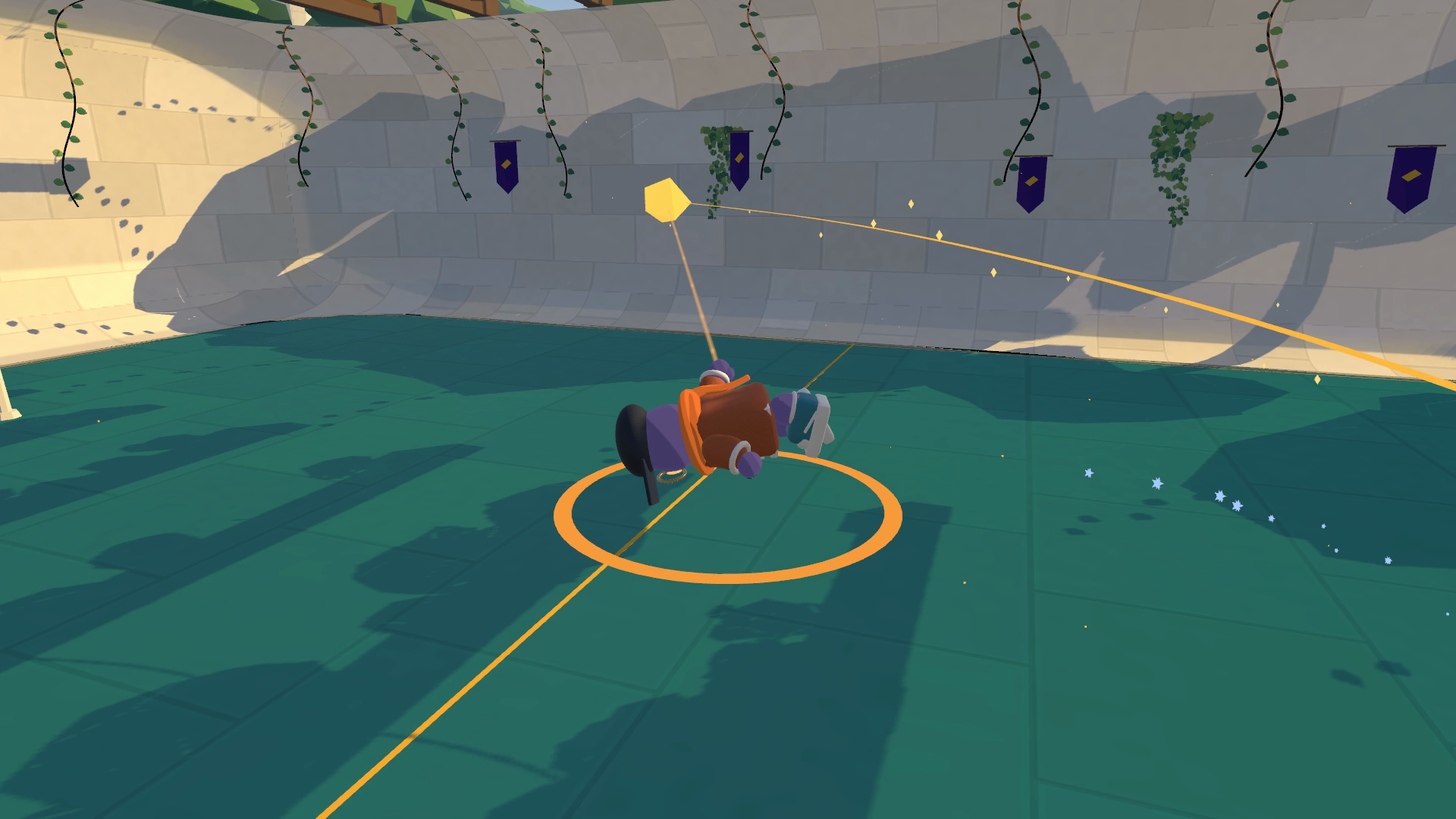
Jump once to hop. Jump again in the air to fly, then boost where you're looking, steer and roll. The air control is modeled on Rocket League. Your wizard carries momentum through every turn, so a good approach sets up your next touch.
Dash to reach a loose ember. Strike to knock it out of a carrier's hands. Miss, and you'll have to recover your position while the other team heads for your hoop.
Bring a friend
- Find a 1v1 or 2v2 quick match.
- Make a party for matches from 1v1 up to 3v3. Play each other, team up against bots, or find a match together.
- Share a code for a private room. Windows and Mac players can play together.
- Practice in the tutorial, free play or trials, or play a local split-screen duel.
Keep the goal
Every match is saved in Replay Theater. Follow a player or the ember, fly the camera yourself, slow down the action and export a clip.
Make your wizard yours
Mix hats, outfits and accessories in the Wardrobe. Embercasting lets you describe an item and have it made for your wizard. The game is free; shop items and Embercasting use in-game currency, with paid purchases available.
Some cosmetic items, background art and icons are made with AI tools. Embercasting uses AI to create items from player descriptions.
Join the alpha
I'm Berkeley, the developer. Embercast is in active development, and I open rooms on play nights for anyone who shows up.
You'll create a free account when the game opens. A controller is recommended; keyboard and mouse also work.
Visit the Embercast website for gameplay, updates and play nights.
Download
Install instructions
Windows: Download the Windows installer and run Embercast-Setup.exe.
Windows portable ZIP: Extract the entire ZIP to a folder, then run the game executable inside. Keep the extracted files together.
Mac: Open Embercast.dmg, drag the game app into Applications, then open it from Applications.
Create a free account when the game opens. A controller is recommended; keyboard and mouse also work. Start with the tutorial to learn to fly.
Development log
- Your first match with a friend5 days ago
Leave a comment
Log in with itch.io to leave a comment.